Open the app, scan or import, and keep working. There is no login system between you and your documents.
Private document scanning for iPhone and iPad.
Private scans. Searchable PDFs.
Scan contracts, receipts, forms, and archive photos with local OCR, batch import, and PDF export. Your documents stay on your device unless you choose to share them.
Pro: unlimited scans
50-image batch import
Local OCR
No account


Scan or import
Local OCR
PDF export
For documents you cannot treat casually.
Use SaneScan for contracts, intake forms, signed packets, tax papers, receipts, and family archive photos that should stay under your control.
- ✓Scan new paper with Apple's system document scanner.
- ✓Import older photos from the Photos picker.
- ✓Recognize text locally and export PDFs through the iOS share sheet.
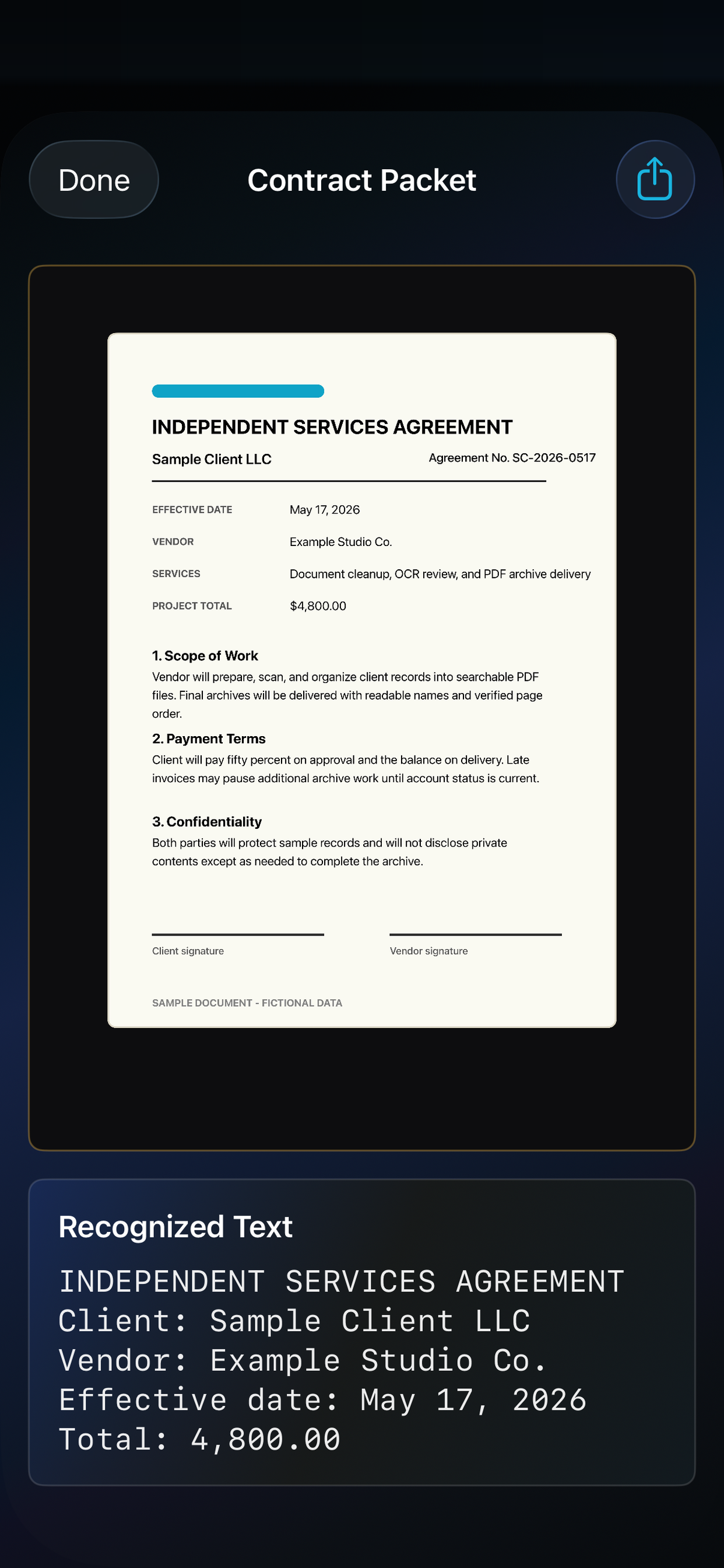
Private by default.
SaneScan does not need an account and does not upload scan contents to SaneApps servers. Camera and Photos access are requested only when you start the matching action.
Image cleanup, OCR, and PDF creation are designed around local device workflows and Apple system surfaces.
PDF exports use the iOS share sheet, so you choose the destination instead of sending documents through a SaneApps account.
Free and open source
Every scan tool stays unlocked. Setup stays the same. Donate only if you want to support it. The App Store listing is still the install path for iPhone and iPad.
- ✓ Unlimited document and receipt scans
- ✓ Batch import up to 50 images for archive cleanup
- ✓ Local OCR and PDF export
MIT licensed. Contribute on GitHub or donate. The live App Store binary still needs the free update before the in-app paywall is gone.
Free
Scanning guides
Practical guides for private document scanning, searchable PDFs, receipt cleanup, and photo archive work.
All SaneScan guides
Browse guides ->
Start here for every SaneScan tutorial and document-scanning walkthrough.
Scan documents on iPhone
Read guide ->
Turn paper pages into clean private scans without uploading them to a cloud service.
Make searchable PDFs
Read guide ->
Use local OCR so documents are easier to find, copy, and archive.
Scan receipts on iPhone
Read guide ->
Save expense, warranty, and tax records while keeping cleanup local.
Scan old photos privately
Read guide ->
Digitize family archive images without forcing them into a SaneApps account.
Choose a private scanner
Read guide ->
Know what to look for: local OCR, PDF export, and clear data handling.
More SaneApps
SaneScan fits with the rest of the SaneApps family: local-first tools for keeping personal workflows private and readable.